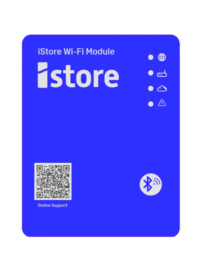

How to setup the heat pump wifi


Getting your iStore heat pump connected to Wi-Fi is quick and simple. On this page, you’ll find clear setup instructions and step-by-step video guides designed for both Android and Apple devices. These resources apply exclusively to our latest iStore heat pump models with built-in Wi-Fi, ensuring you can enjoy seamless monitoring and control through the iStore app.


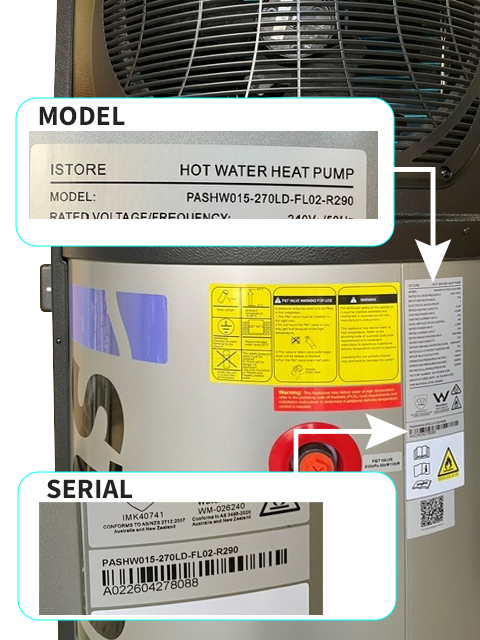
These models are compatible for a Wifi monitoring retrofit.

PASHW008-180LD-NM-R290
PASHW015-270LD-FLO2-R290

Click here to order your Wifi

WiFi setup instructions Apple/Android

PLEASE NOTE: The company invitation code required in the following procedures is X88Q5WGD

Trouble shooting items to consider

  • Wifi name/ SSID should not have any special characters
  • For the connectivity to function, a 2.4ghz Wifi connection is required.
  • It has been reported that some Google pixel and Android phones (Galaxy S25) appear to not like the wifi set up, so may need a different phone iStore work on this issue.
  • Mesh routers (like newer modems) have wifi 7 which isn't supported - they need to ensure that they have a dedicated 2.4ghz network created whether that be their main network or a guest network and they need to ensure that their security setting is set to WPA2 as the highest setting. It cannot be WPA2/WPA3


If you have tried all the trouble shooting support on this page and are still having issues, you are welcome to fill in the support form below.

TOP
Call Now Button